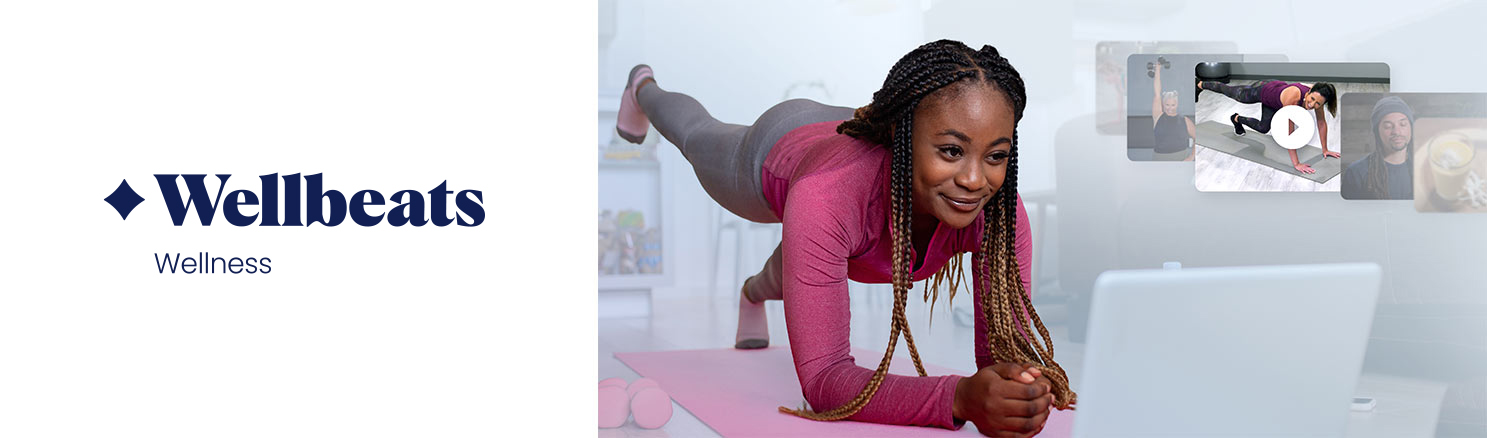
The Wellbeats digital platform offers on-demand video fitness, mindfulness, and nutrition classes. Part- and full-time University employees can access Wellbeats for free!
How to Join Wellbeats
- Sign up for the Wellbeing Program platform.
- Log in to the platform via browser window. Note: To access Wellbeats for the first time, you’ll need to use Personify Health through the web portal, not the app. You can do this by logging on with your computer or using the browser (Chrome, Safari, etc.) on your phone.
- Click Programs at the top center of the page.
- Search for Wellbeats.
- Click Start Now to be logged in through your Personify Health account.
Ideas to Get Started
Once you’ve signed up, you can browse classes, save favorites, view your watch history, and more. Classes for all abilities, genders, and ages (including kids!) are available. Ideas to get you started:
- Try a barre, dance, or strength-training workout
- Learn how to improve your home cooking skills, fight inflammation, or get kids involved in the kitchen through Launch My Health courses
- Find exercises to reduce common aches and pains that can come from working at a computer
- Get injury prevention exercise routines for your back, shoulders, knees, and more
- Take a meditation break
- Edit your profile to get personalized class recommendations
If you have any difficulty accessing Wellbeats, please reach out to our U of M-specific Personify Health customer service line: 1-833-996-1870 (Monday–Friday, 7 a.m.–8 p.m. CT; accepts TTY services) or email Personify Health at [email protected].
Wellbeing Points
Watching 20 minutes of Wellbeats videos in a day earns 100 Wellbeing Points. So if you do a 20-minute workout one day and watch a mindfulness video and a cooking video that total 20 minutes the next day, you’ll earn 200 points (100 each day).